
| Wallet route | What the documentation says | Planning use |
|---|---|---|
| Hardware wallet | A physical device that keeps crypto offline, described by Ethereum.org as very secure | Suits long-term holdings of smaller coins that rarely need to move |
| Browser extension wallet | An extension that lets an account interact with applications through the browser | Suits regular use with Ethereum apps and custom network entries |
| Mobile wallet | Trust Wallet is mobile-first, ships with a built-in dApp browser on mobile and supports over 100 blockchains natively | Suits phone-centred use and holders spread across many chains |
| Custom EVM network | MetaMask can add EVM chains such as Polygon, Arbitrum and Optimism through custom RPC configuration | Check this before buying a coin that runs on its own network |
Descriptions come from Ethereum.org’s wallet guide and AXL Token’s MetaMask and Trust Wallet comparison.
The best wallet for Ethereum based coins depends on how much is held and which network the coin runs on: a hardware wallet suits larger long-term holdings, while a browser or mobile wallet suits active use.
Start with the coin, not the wallet brand. Work out whether it is a token on Ethereum or a coin on its own network, then pick the wallet type that handles it. Readers new to the split between always-connected and offline storage can read hot wallet vs cold wallet first and return here for the wider picture.
Hardware and software wallets compared
Ethereum.org defines a crypto wallet as an app or device that lets you hold, send and receive ETH and other tokens, and sign in to apps. That definition already shows the split between a hardware wallet and a software wallet. A hardware wallet is a physical device. A software wallet is an app or extension running on a phone, browser or computer that is already in daily use.

Hardware wallets
Ethereum.org lists hardware wallets as physical devices that let you keep your crypto offline, and it describes them as very secure. For smaller Ethereum-family and community coins, that makes a device the natural home for any balance that is meant to sit untouched for months. The trade-off is convenience: a device has to be at hand whenever a transaction needs approval, so it fits savings better than a spending balance.
Ledger and Trezor are the two device makers that MetaMask supports, according to the AXL Token comparison. That matters for community coins because a device can sit behind a familiar software interface, so the interface handles networks and tokens while the device protects the keys. The pairing is covered step by step in the guide to how to connect ledger to metamask.
Browser extension and desktop wallets
Ethereum.org describes browser extension wallets as extensions you download that let you interact with your account and applications through the browser. They are the most direct route into Ethereum apps, and they are where custom network entries are usually made. The convenience has a cost: the wallet sits inside the same browser used for everything else, so habits such as bookmarking the wallet site matter more than they do with a device.
Desktop wallets are a separate software category on the Ethereum.org list. Atomic Wallet is a vendor example and also publishes a desktop edition. Desktop software suits holders who prefer to keep wallet activity out of the browser, although the same device still has to be kept clean and updated.
Mobile wallets
Ethereum.org also lists mobile wallets. Trust Wallet is a mobile-first self-custody wallet with a built-in dApp browser on mobile, according to the AXL Token comparison. A phone wallet suits small, frequently used balances and holders who want everything in one pocket-sized app. It is a poor fit for a large balance that nobody plans to touch, which is the job a device does better.
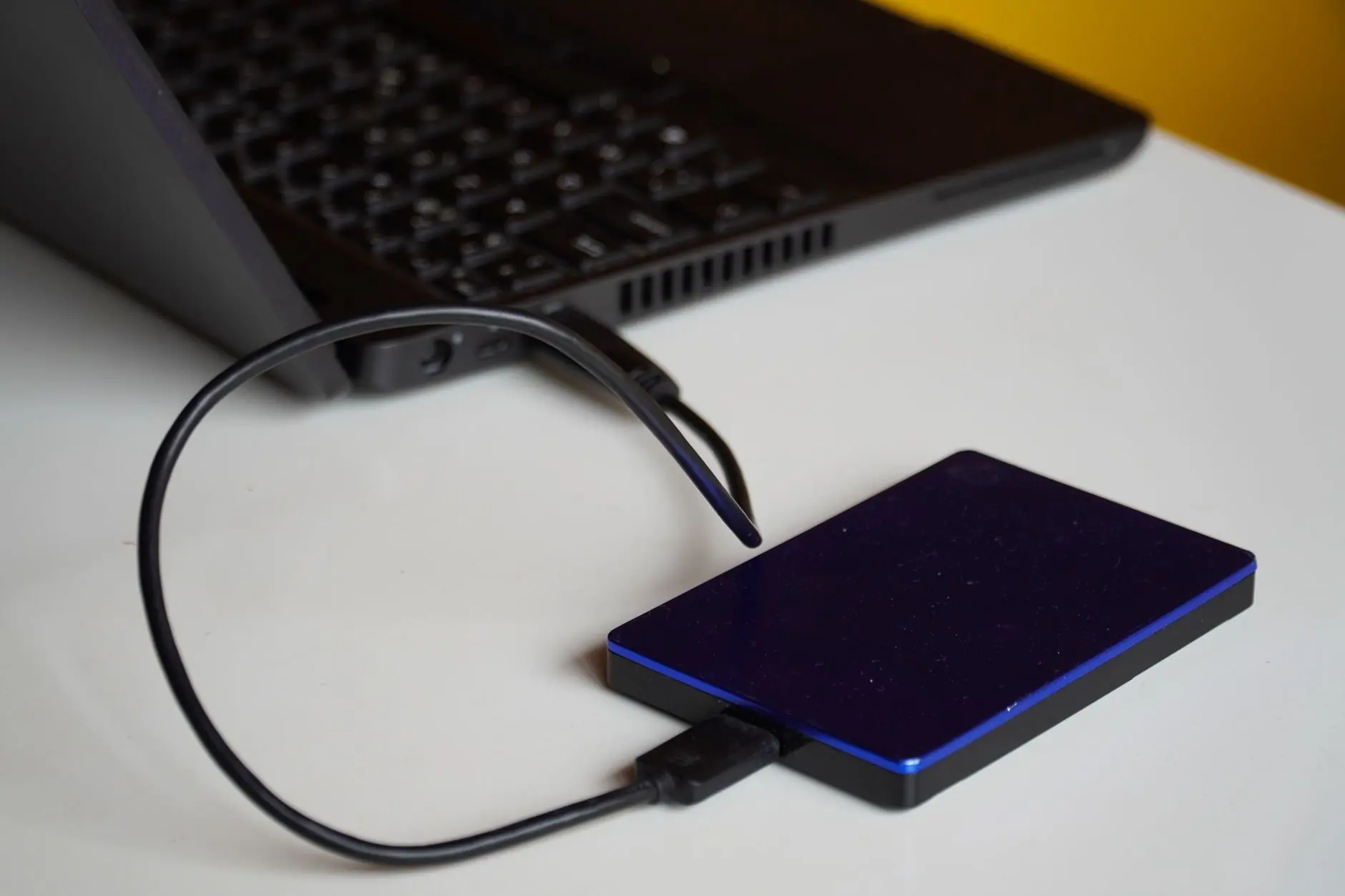
A practical split follows. Keep the long-term balance in a hardware wallet, keep an everyday balance in a browser or mobile wallet, and treat the two as separate purses with separate backups.
Private keys, custody and seed phrases
Every wallet choice is really a choice about who controls the private key. The seed phrase is the backup of that control, so both deserve attention before any coins are deposited.
Private keys and who holds them
Ethereum.org states that wallet providers do not have custody of your funds. The AXL Token comparison says the same about MetaMask and Trust Wallet in practical terms: both are non-custodial, meaning private keys stay on your device. The consequence is simple. Nobody at the wallet company can reverse a mistake or reset access, and the holder carries the responsibility that a bank would otherwise carry.
Wallets that sit on an exchange or with a service work differently, because the service holds the keys on the holder’s behalf. The trade-offs are laid out in custodial vs non custodial wallet. For smaller community coins, self-custody is usually the practical route, since such coins may not be listed on many services at all.
Backing up a seed phrase
Ethereum.org says wallets will often give a seed phrase that must be written down somewhere safe, and that it is the only way to recover the wallet. It adds a clear instruction: do not store it on a computer, write it down and keep it safe. Atomic Wallet’s own page shows what that looks like in practice, since it generates a 12-word seed phrase at setup that can be used to restore access to the wallet, according to Atomic Wallet’s Ethereum wallet page.
Several habits follow from these statements:
- Write it by hand. A handwritten copy cannot be copied by malware on a computer, which is the risk behind the advice not to keep the phrase on one.
- Keep it apart from the device. A hardware wallet and its recovery phrase stored in the same place defeat the purpose of having a backup.
- Check each word. A phrase written with one word wrong cannot restore the wallet, so read it back against the screen before moving on.
- Hold a physical copy only. Screenshots, notes apps and cloud folders put the phrase back on a computer, against Ethereum.org’s advice.
The guide on where to store recovery phrase goes deeper on storage options, including metal plates and safes.
Restoring a wallet
Restoring means installing the same wallet or a compatible one and entering the phrase at the recovery prompt. Atomic Wallet states that its phrase restores access to the wallet. Because Ethereum.org notes that wallets cannot easily be recovered by any other route, the phrase is the whole safety net. Anyone moving to a new wallet app for smaller coins should confirm that the new app lists the network involved before sending anything, since a restored wallet only displays what the app supports.
The step-by-step process is in recover wallet with seed phrase.
Named wallets for Ethereum-based coins
The wallets below are the ones with documented network, key and open-source statements. They differ more in interface and chain coverage than in the basic model, since all are described as self-custody.
MetaMask
The AXL Token comparison describes MetaMask as built around Ethereum, with other EVM-compatible chains such as Polygon, Arbitrum, Optimism, Avalanche and BNB Smart Chain added through custom RPC configuration. It also states that the entire MetaMask codebase is open source, which lets outside reviewers inspect it, and that hardware wallet support covers both Ledger and Trezor. For a holder of smaller Ethereum-family coins, those three facts make MetaMask the default starting point: it is the interface most likely to offer the network entry form that community coins need, and it works with a device for the balances that matter most.
The caution is scope. MetaMask is Ethereum-centred, so a coin on a non-EVM chain will not appear in it however carefully the settings are filled in. New users can follow the guide on how to set up metamask, how to set up metamask, before depositing anything.
Trust Wallet
Trust Wallet takes the opposite approach to chain coverage. The AXL Token comparison says it supports over 100 blockchains natively, including Bitcoin, Ethereum and Solana, and that it is mobile-first with a built-in dApp browser on mobile. That suits a holder who owns coins on several unrelated chains and wants them in one phone app. It suits less well a holder who mainly uses desktop Ethereum apps and wants to enter many custom networks by hand. The two are weighed in detail at metamask vs trust wallet.
Atomic Wallet
Atomic Wallet is a desktop-first multi-asset wallet. Its Ethereum page says users can manage Ethereum, XRP, Litecoin, XLM and over 1000 other coins and tokens, and that private keys are encrypted and never leave the device. Both are vendor statements, so they describe what the maker claims rather than an independent audit. Even so, a broad built-in list is useful for holders who would rather pick a coin from a menu than type network details. The relevant check is whether the specific smaller coin appears in that list, because a large total does not guarantee any particular coin.
Ledger and Trezor
Ledger and Trezor are the hardware options named in the MetaMask documentation summary. Because MetaMask supports both, the choice between them rarely blocks access to Ethereum apps. The decision comes down to device design, supported coins and price, which are compared in ledger vs trezor. Before buying either for a smaller community coin, check the maker’s list for that coin or confirm that the coin works through MetaMask with a custom network.
Side-by-side summary
The table below puts the three software options on common criteria. Hardware devices are covered in the previous sections.
| Wallet | Network and token coverage | Key and code statements | Planning use |
|---|---|---|---|
| MetaMask | Ethereum core, other EVM chains through custom RPC configuration | Codebase stated to be fully open source; Ledger and Trezor supported | Best fit for Ethereum apps and community coins on EVM networks |
| Trust Wallet | Over 100 blockchains natively | Non-custodial; mobile-first with built-in dApp browser on mobile | Best fit for holders spread across many chains who prefer a phone |
| Atomic Wallet | Over 1000 coins and tokens stated by the vendor | Private keys stated to be encrypted and to stay on the device | Best fit for holders who want a built-in coin list on desktop |
Figures come from AXL Token’s wallet comparison and Atomic Wallet’s Ethereum page.
Custom networks and tokens for community coins
Smaller Ethereum-family coins are where wallet choice gets difficult. The big wallets list popular assets automatically, while a community coin may require manual entries. Whether those entries are possible is therefore a first-order selection criterion.
Tokens and coins on their own network
A coin that runs its own chain is different: the wallet needs a network entry before it can show or move anything. The guide on what is an erc20 token explains the first case, and the network route described next covers the second.
Adding a custom network
Yes, a custom network can be added where the wallet allows it. The AXL Token comparison states that MetaMask can add EVM-compatible chains through custom RPC configuration, naming Polygon, Arbitrum, Optimism, Avalanche and BNB Smart Chain as examples. A community coin on an EVM-style chain can in principle be handled the same way, provided the project publishes its network details. Copy those details only from the coin project’s own documentation, and treat any third-party listing as a prompt to check the original.
Adding a custom token
Token entries depend on the wallet. Wallets document which token standards they handle, so check that the standard the coin uses is on the wallet’s list before depositing. A wallet with a large built-in list, such as Atomic Wallet with its stated total of over 1000 coins and tokens, reduces manual entry but does not remove the need to confirm that a specific smaller coin appears. A wallet with a custom-entry route, such as MetaMask, covers coins that no built-in list includes.
The decision rule is to combine the two. Choose a wallet whose network entry form works for the coin, and pair it with a hardware device if the balance is large. The wallet-specific steps are best handled in the wallet’s own settings, guided by the coin project’s documentation.
Security risks when holding crypto
Ethereum.org gives a plain warning: transactions cannot be reversed and wallets cannot be easily recovered, so precautions are essential. Most practical risks follow from that sentence.
- Irreversible sending. A transaction sent to the wrong address or the wrong network cannot be undone. Smaller coins add risk because look-alike networks and tokens are easy to confuse.
- Phishing. Ethereum.org advises bookmarking a web wallet site to protect against phishing scams. Typing the address once and saving it avoids following search ads or messages to a fake page.
- Lost backup. With no provider holding the funds, a lost or damaged recovery phrase has no support desk behind it.
- Exposed phrase. A phrase stored in a photo, file or message can end up on a computer, which Ethereum.org specifically advises against.
- Single point of failure. Keeping the only copy of a backup next to the device that depends on it leaves a fire, theft or flood able to take both.
Groups holding community funds face an extra question, which is whether a single person should be able to move them. A multisig arrangement answers that by requiring several approvals, and what is a multisig wallet explains how it works with Ethereum wallets.
Choosing and starting
The right wallet follows from the holding, not from a ranking. These situations cover most readers.
- Long-term holder of a smaller coin. Use a hardware wallet, with a browser wallet as the interface where the coin needs a custom network.
- Active user of Ethereum apps. Use a browser extension wallet such as MetaMask and keep the working balance small.
- Phone-first holder with coins on many chains. Use a mobile wallet with wide chain support, such as Trust Wallet.
- Holder who prefers a built-in coin list. Check Atomic Wallet’s list for the exact coin first.
- Holder who prefers an exchange-linked app. Read the walkthrough for how to set up coinbase wallet and compare it with the self-custody options above.
A short sequence keeps a new setup safe:
- Identify whether the coin is a token on Ethereum or a coin on its own network.
- Choose the wallet type that supports that network and standard.
- Install it from the maker’s official site and bookmark that site.
- Write the recovery phrase by hand and store it away from the device.
- Add the custom network or token using the coin project’s own details.
- Move a small amount first, because transactions cannot be reversed.
Frequently asked questions
Can a wallet be changed later?
Yes. Ethereum.org points out that wallets are tools rather than accounts with a provider, so you can swap wallet providers at any time. The practical limit is that the new wallet must support the same network and token standard, and funds move only after the recovery phrase or a transfer is used. See Ethereum.org’s wallet guide.
Does MetaMask handle NFTs as well as coins?
Yes. The AXL Token comparison states that MetaMask also supports the ERC-721 and ERC-1155 NFT standards, in addition to its network and token features. Details are in the AXL Token comparison.
Does Atomic Wallet run on every desktop system?
No. Atomic Wallet’s Ethereum page states that its desktop edition supports Windows 10 and 11 only. Holders on other systems should compare a browser or mobile wallet instead. See Atomic Wallet’s Ethereum page.
Which wallet is right for a first-time holder of a community coin?
A browser extension wallet with a custom network option is the usual starting point, paired later with a hardware device as balances grow. Confirm the coin’s network details in the project’s own documentation before depositing.